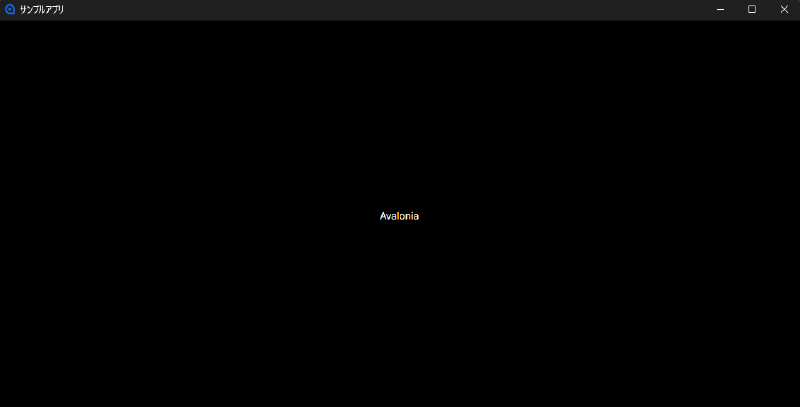
Set the Title in XAML #
<Window xmlns="https://github.com/avaloniaui"
        xmlns:x="http://schemas.microsoft.com/winfx/2006/xaml"
        x:Class="YourApp.MainWindow"
        Width="400" Height="300"
        Title="サンプルアプリ"><!-- Set the window title here -->

    <TextBlock Text="The window title has been changed." HorizontalAlignment="Center" VerticalAlignment="Center"/>
</Window>
Set the TitleW property to the text you want to display in the window’s title bar.