XAMLで指定 #
<Window xmlns="https://github.com/avaloniaui"
        xmlns:x="http://schemas.microsoft.com/winfx/2006/xaml"
        x:Class="YourApp.MainWindow"
        Width="400" Height="300"
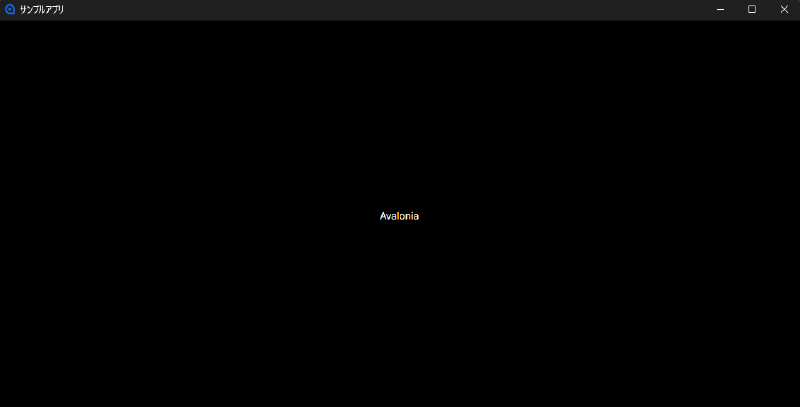
        Title="サンプルアプリ"><!-- ここでタイトルを指定 -->

    <TextBlock Text="タイトルが変更されました" HorizontalAlignment="Center" VerticalAlignment="Center"/>
</Window>
Title プロパティに表示したい文字列を指定すると、ウィンドウのタイトルバーに表示されるタイトルを変更できます。